Karwa Chauth Couple Photo Editing Prompts 2026: Moonlight Portraits
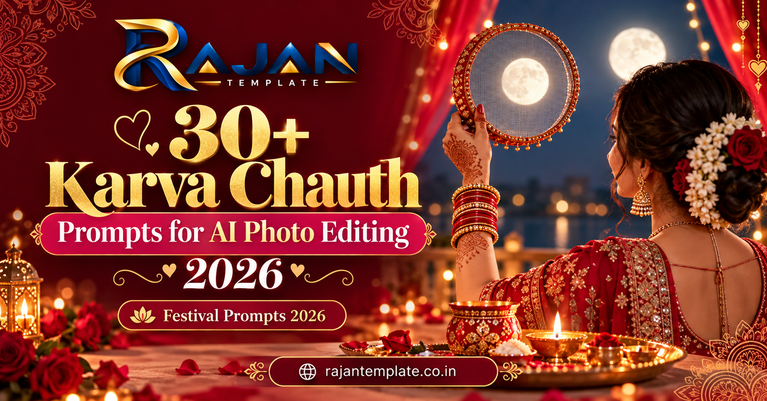
Karwa Chauth is a quiet, emotional festival. A wife fasts through the day for her husband, waits for the moon, looks at it through a sieve, and then breaks her fast after her husband offers her water and food. That one evening has everything a portrait needs: a decorated thali, glowing diyas, henna, a red saree, and soft moonlight.
You do not need a studio or a new photoshoot. Take one clear couple photo, upload it to a Gemini or Nano Banana style photo editing tool, paste a prompt from below, and let the tool rebuild the background, light, and festive details around you, while your real faces stay the same.
Quick answer: Karwa Chauth 2026 falls on 29 October 2026. For the most natural result, use a clear, front-facing couple photo, choose a 4:5 portrait prompt below, paste it exactly as written, and download the largest size offered. Check hands, jewellery, and the sieve carefully, and re-run the edit if anything looks distorted.
Karwa Chauth Couple Photo Editing Prompts: Copy and Paste Collection
All 20 prompts keep the festival story correct: the fast, the thali, the sieve, the moon, and the moment the fast is broken. Sitting photos suit terrace and pooja scenes; standing photos suit palace, temple, and balcony scenes.
1. Classic Moonlight Terrace Sieve Ritual
The traditional moon-viewing moment on a terrace with thali and diyas. Best for: the main festival portrait. Aspect ratio: 4:5.
2. Red Lehenga Balcony Full Moon Portrait
A bright balcony portrait with the full moon framed behind the couple. Best for: Instagram portrait posts. Aspect ratio: 4:5.
3. Sargi Thali Morning Glow
A soft early-morning scene with the sargi thali before the day-long fast. Best for: a gentle, emotional edit. Aspect ratio: 3:4.
4. Mehndi Hands Close-Up With Diya
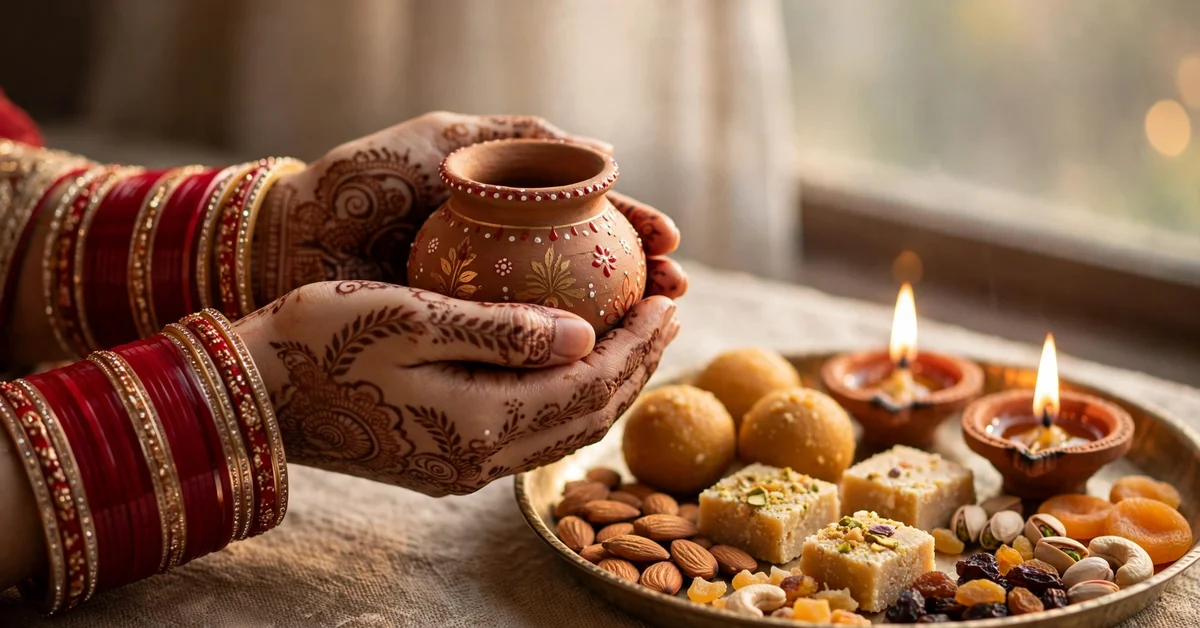
A detailed close-up of henna hands, bangles and a flickering diya. Best for: detail lovers and story posts. Aspect ratio: 1:1.
5. Couple Silhouette Against Full Moon
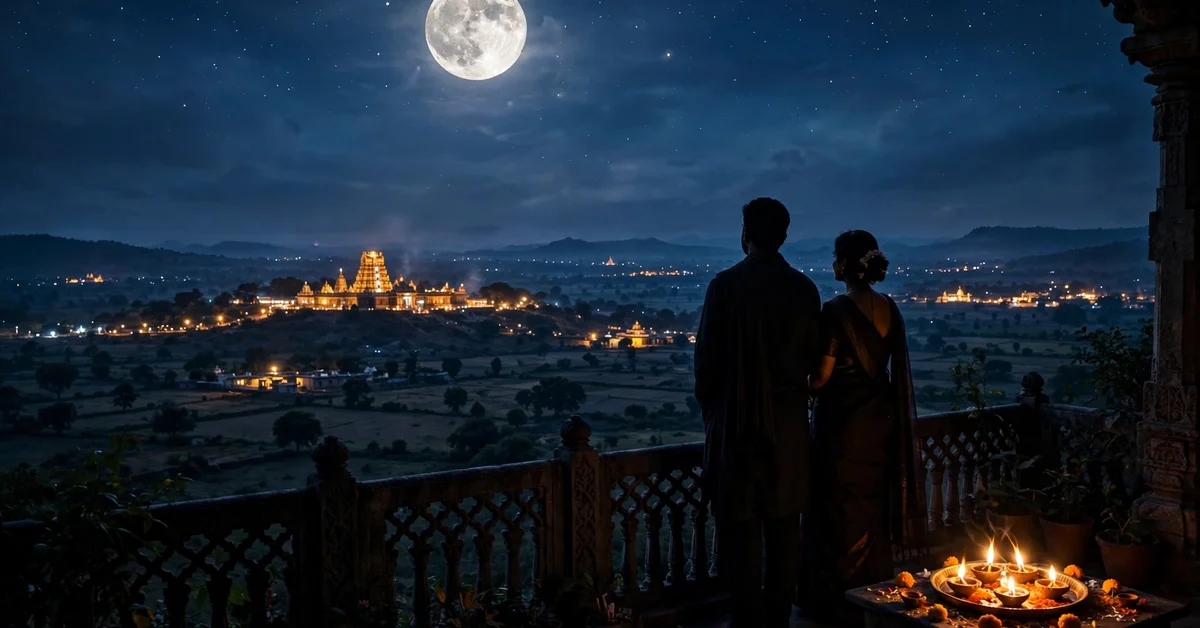
A dramatic silhouette with the sieve held up to an oversized moon. Best for: profile covers and wide posts. Aspect ratio: 16:9.
6. Temple Backdrop Evening Portrait
A calm temple courtyard portrait with lamps and evening aarti light. Best for: a traditional family-friendly photo. Aspect ratio: 4:5.
7. Royal Palace Courtyard Portrait
A rich palace courtyard look with arches, lamps and festive outfits. Best for: a grand, celebratory edit. Aspect ratio: 3:4.
8. Karva Pot and Thali Detail Portrait
The couple seated behind a beautifully arranged karva and thali. Best for: a grounded, ritual-focused photo. Aspect ratio: 4:5.
9. Vintage Film Moonlight Look
A nostalgic film-style edit with grain, soft focus and old-home charm. Best for: a timeless keepsake photo. Aspect ratio: 3:4.
10. Modern Minimal Moonlight Portrait
A clean, uncluttered portrait with one thali and plenty of calm space. Best for: modern couples. Aspect ratio: 4:5.
11. Moonrise Through Sieve First Look
The wife looks at her husband through the sieve after seeing the moon. Best for: the emotional climax of the story. Aspect ratio: 4:5.
12. Breaking Fast Water Offering Moment
The husband offers water from the karva pot after the moon is sighted. Best for: a tender storytelling photo. Aspect ratio: 4:5.
13. Golden Hour Terrace Before Moonrise
The couple waits on the terrace in the golden hour just before moonrise. Best for: warm, cinematic light. Aspect ratio: 4:5.
14. Red and Gold Festive Duo Portrait
A classic matching-outfit portrait with deep red and rich gold. Best for: the main festive photo. Aspect ratio: 4:5.
15. Countryside Courtyard Moon Night
A warm village courtyard with a charpai, diyas and a huge moon. Best for: a nostalgic family story. Aspect ratio: 3:4.
16. Window Frame Moon Portrait
The couple framed inside a window with the moon and diyas outside. Best for: an artistic composition. Aspect ratio: 4:5.
17. Rain-Soft Terrace Moonlight Portrait
A gentle after-rain terrace with wet floors reflecting diya light. Best for: a dreamy, cinematic edit. Aspect ratio: 4:5.
18. Two-Generation Family Blessing Portrait
An older couple in the background blessing the younger couple in the foreground. Best for: a family festival photo. Aspect ratio: 4:5.
19. Garden Lantern Moonlight Portrait
A garden setting with hanging lanterns, marigolds and moonlight. Best for: a colourful outdoor edit. Aspect ratio: 4:5.
20. Riverside Moon Reflection Portrait
The couple on a riverside ghat with the moon reflected in the water. Best for: a wide, romantic finale. Aspect ratio: 16:9.
How to Use These Prompts Step by Step
- Pick a clear couple photo. Use a photo where both faces are visible, well-lit and sharp. Avoid blurry, dark or group photos for the first try.
- Choose a prompt that matches the photo. Sitting photos work best with terrace, pooja and courtyard scenes; standing photos work best with balcony, palace and temple scenes.
- Open Gemini or a Nano Banana style editor and upload your photo. Paste the full prompt, including the face-preservation line, without changing the wording.
- Download the largest size offered. A bigger file keeps the henna, jewellery and sieve details sharper when you post it.
- Check the details before posting. Look at the hands, the sieve, the bangles and the faces. If a hand looks wrong, re-run the same prompt; the second result is often cleaner.
Best Settings and Aspect Ratios
Most prompts above use 4:5 for Instagram portraits, 3:4 for full-length portraits, 1:1 for square posts, and 16:9 for wide covers and status videos. If you plan to print, choose the largest export size and keep the aspect ratio from the prompt. For WhatsApp status, 4:5 and 9:16 crops work well; do not stretch the image.
For natural skin, avoid extra filters after editing. Moonlight scenes look better with a slight warm tone from the diyas rather than a heavy blue filter. Keep the original photo as a backup, and save each good edit with a clear file name.
How to Keep Faces Unchanged
Face change is the most common problem with AI edits. These prompts include a face-preservation line for that reason. Use a front-facing photo, do not crop the faces tightly, and do not add a second person to the prompt. If the face still changes, try a simpler scene, such as prompt 10, and then re-run the same prompt once more.
Also check the ears, neck and hairline. A small change there is often easier to notice than a full face change. If the tool offers a face-lock or reference-photo option, use it and upload the same clear photo again.
Common Mistakes to Avoid
- Using a group photo and expecting the tool to find the couple.
- Editing a blurry or very dark photo and expecting sharp detail.
- Changing the prompt midway, which can break the face and the scene.
- Forgetting the sieve, thali or moon, which makes the scene look generic.
- Posting the first result without checking hands, jewellery and bangles.
Troubleshooting
The face looks different
Use a sharper, front-facing photo, keep the face-preservation line, and try a simpler prompt such as 10 or 14. Re-running the same prompt often helps.
The hands look wrong
Hands are the hardest part of AI portraits. Choose a prompt with the hands clearly described, such as 4 or 8, and avoid prompts where hands hold small objects if the first result fails.
The scene looks too dark
Pick a golden-hour or palace prompt, such as 13 or 7, which adds more warm light. Do not add a strong brightness filter afterwards, as it can wash out the moonlight.
The moon looks too small
Use prompt 5, 15 or 20, which describe a large moon, and keep the 16:9 or 3:4 ratio from the prompt. A wide crop helps the moon feel bigger.
Practical Tips
- Save the prompt you used with the final photo, so you can repeat the style next year.
- Make one portrait for the family group and one wider photo for status or cover use.
- Check the photo on your phone at full size before posting, not only in the editor preview.
- If you print the photo, use the largest export and avoid cropping the moon or the thali.
Frequently Asked Questions
Do I need to pay for Gemini or Nano Banana edits?
Many tools offer free daily credits, but limits change often. Start with the free option, and only upgrade if you edit photos regularly.
Will my face stay the same after editing?
It usually stays close if you use a clear front-facing photo and keep the face-preservation line. Always check the final image before posting.
Which prompt is best for Instagram?
Prompts 1, 2, 10 and 14 use 4:5, which fills the Instagram feed well. Prompt 5 and 20 use 16:9, which works better for covers and status videos.
Can I use these prompts for a single photo of just me?
Yes, but change the couple description to a single person and remove the husband part, or the tool may add a second person.
What if the sieve or thali looks wrong?
Re-run the same prompt once, or choose a simpler scene such as prompt 10. Small objects are harder for AI tools to draw than faces and backgrounds.
Conclusion
Karwa Chauth photos work best when the story is clear: the fast, the thali, the sieve, the moon, and the moment the fast is broken. These 20 prompts give you that story in different styles, from a classic terrace ritual to a modern minimal portrait, while keeping your real faces unchanged. Start with prompt 1 or 14, check the hands and faces carefully, and save your favourite edit for the family group on 29 October 2026.
Related Guides
- Gemini Nano Banana 2 Photo Editing Prompts: 30 Realistic Ideas
- Diwali CapCut Template 2026: 25 Festival Reel Editing Ideas
- VN Cinematic Slow Motion Template 2026: 20 Reel Editing Ideas
- CapCut 5 Photo Beat Sync Template: Trending Instagram Reels