Karwa Chauth Reel Editing Ideas 2026: Traditional Celebration Videos
Karwa Chauth is one of the most photogenic festivals of the year. A wife fasts through the day, dresses in her finest red or maroon outfit, decorates a thali, applies mehndi, and waits for the moon. When the moon rises, she looks at it through a sieve, and her husband offers her water to break the fast. Every part of that evening is a ready-made reel: the morning sargi, the mehndi, the thali, the sunset wait, and the moonrise moment.
A good festival reel does not need expensive equipment or a downloaded template. Your own phone clips, edited in an app like CapCut or VN with clean cuts, gentle transitions, and music that matches the beat, are enough. The ideas below use only footage you shoot yourself, so your reel stays original, personal, and respectful of the festival.
Quick answer: Karwa Chauth 2026 falls on 29 October 2026. Shoot your clips a day or two early where possible, keep each reel between 15 and 45 seconds, cut on the beat, and export in 1080p vertical video for Instagram and WhatsApp status.
20 Karwa Chauth Reel Editing Ideas for 2026
Each idea below gives you what to shoot and how to edit it. Pick three or four that match the clips you already have, rather than trying to film all twenty in one evening.
1. Moonrise Countdown Reel
Film short clips through the evening: the thali ready, diyas being lit, the sky changing colour, and family members glancing at the sky. In the editor, place a simple on-screen countdown over the last few clips, cut faster as the moon appears, and end on the sieve-and-moon shot. Keep the countdown text plain and large, and let the final clip run a second longer than the others so the moment lands.
2. Sargi Morning Routine Reel
Record the quiet early-morning sargi: hands arranging fruits and sweets on a thali, a glass of water, and the first light through a window. Edit with slow fades, soft morning music, and no fast cuts. This calm opening works well as the first reel of a festival series, because it shows the devotion behind the celebration before the glamour of the evening begins.
3. Mehndi Close-Up Transition Reel
Film your mehndi in stages: plain hands, half-finished henna, and the finished design. Use a simple wipe or a hand-covering-the-lens transition between stages so the design appears to bloom on screen. Add close shots of bangles and rings between stages. Keep the camera steady, use natural window light, and avoid filters that change the henna colour.
4. Thali Decoration Time-Lapse
Set your phone on a steady surface and record the whole thali decoration in one long take: placing the diya, arranging sweets, adding flowers, and setting the sieve and karva pot. Speed the clip up to 8x or 10x in the editor, add light background music, and finish with a slow, full view of the finished thali. One clean time-lapse beats ten shaky clips.
5. Before-and-After Outfit Reveal
Film yourself in everyday clothes, then cover the lens with your hand or a dupatta and reveal the full festival outfit: saree or lehenga, jewellery, and mehndi. Cut exactly on a beat drop for the reveal. Film both halves in the same spot with the same light so the change looks magical rather than messy, and keep the reveal clip steady for at least two seconds.
6. Sieve-to-Moon Reveal Reel
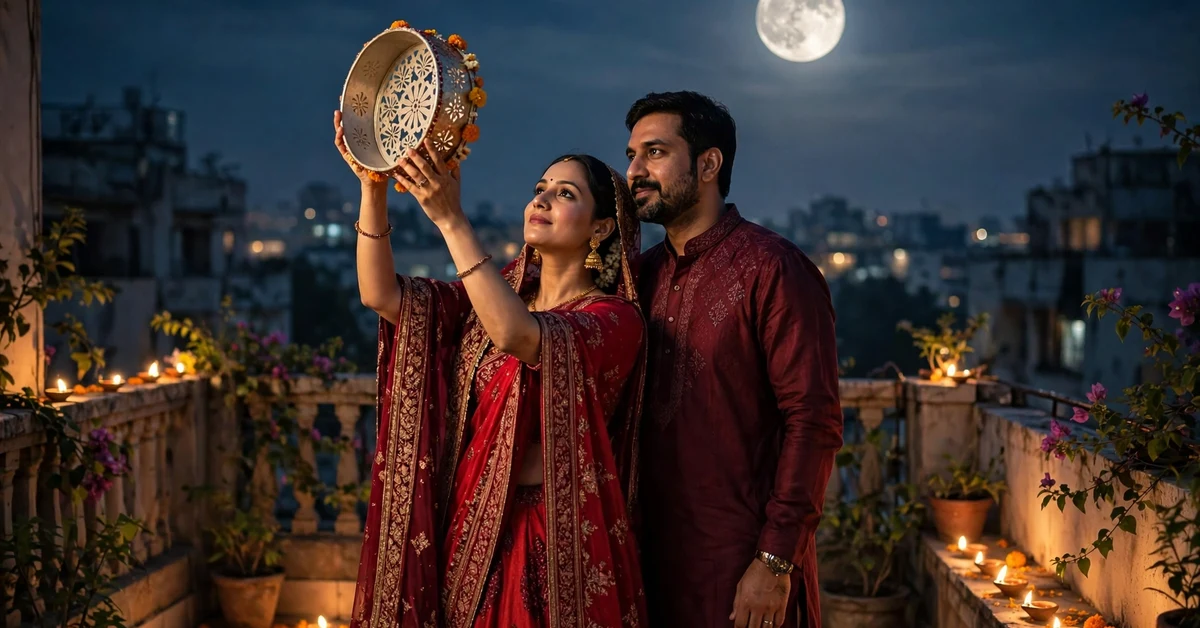
This is the signature Karwa Chauth shot. Film the sieve held up against the sky, then tilt the phone so the moon appears through it. In the editor, slow the last second to half speed and add a soft glow around the moon if your app offers it. Do not add fake moons or stock footage; the real moonrise, even small in frame, feels far more honest and emotional.
7. Fast-Breaking Water Moment Reel
Ask someone to film the moment your husband offers you water from the karva after moonrise. Keep the clip uncut and unfiltered: the emotion is the edit. Trim only the seconds before and after, add a gentle fade-in at the start, and let natural sound run under the music at low volume. This is the clip family members will replay most.
8. Diya Lighting Slow Motion Reel
Record diyas being lit at 120fps or in your phone’s slow-motion mode, then place three or four lighting clips in a row with quick crossfades. The flames, the match, and the first glow make a naturally beautiful sequence. Keep each slow clip under two seconds so the reel stays lively, and use warm colour grading rather than heavy filters.
9. Couple Twirl Transition Reel
Film a short twirl in your festival outfit, ending with your back to the camera, then cut to a second twirl in a different corner of the terrace or balcony. Match the spin direction and speed in both clips so the cut feels invisible. This is a joyful, easy transition that needs no effects, only two steady takes and a beat-matched cut.
10. Old Photo to New Photo Morph Reel
Take an old Karwa Chauth photo from a previous year and a new photo in a similar pose. In the editor, place them back to back with a slow dissolve or morph-style transition, and hold the new photo for three seconds. Add a short caption with the year. Couples who have celebrated together for years find this format deeply shareable, and it needs no video footage at all.
11. Voiceover Story Reel
Record a short voiceover explaining what Karwa Chauth means to you in two or three sentences, then lay it over a sequence of your best clips: thali, mehndi, outfit, moon. Lower the background music while you speak and raise it again between lines. A personal voiceover turns a pretty montage into a story, and it performs well because viewers stop to listen.
12. Temple Bells and Aarti Ambience Reel
If you visit a temple in the evening, record short clips of bells, lamps, and the aarti thali, keeping the natural sound. Edit them as a calm 20-second sequence with no added music, only gentle fades. Real temple sound gives the reel an atmosphere that no music track can copy, and it suits viewers who prefer a devotional tone.
13. Jewellery Detail Montage Reel
Film each piece separately: mangalsutra, jhumka earrings, bangles, rings, and the maang tikka, with slow pans and close focus. Cut the clips to a soft instrumental beat, one piece per beat, and finish with the full outfit. Good light matters more than a good camera here: film near a window or under warm indoor lights, and wipe the lens first.
14. Sunset-to-Moonrise Timelapse Reel
Fix your phone on a tripod or a stack of books facing the eastern sky, and record the sky from sunset until the moon appears. Speed the footage up heavily, then slow down for the final moonrise seconds. This reel needs patience but almost no editing skill, and it beautifully shows the waiting that defines Karwa Chauth.
15. Family Wishes Compilation Reel
Ask each family member to record a five-second wish or blessing on their own phone, then stitch the clips together with a simple fade between speakers. Keep the order natural, elders first, and add plain subtitles for anyone speaking softly. Compilation reels are the most forwarded kind of festival reel, because every person in it shares it.
16. Sargi Sweets and Thali Recipe Reel
Film the preparation of one sargi sweet or snack in short overhead clips: ingredients, mixing, shaping, and plating. Edit with quick cuts on the beat and short on-screen labels naming each step. Keep labels to two or three words, use a clean font, and show the finished thali at the end. Food reels work because the steps are naturally visual.
17. Moon Through Sieve Point-of-View Reel
Hold the phone behind the sieve so viewers see exactly what you see: the decorated rim, then the moon sliding into view. Do not shake the phone while finding the moon; rest your arms on the railing. Add no effects at all. Point-of-view reels feel intimate and personal, and this one recreates the festival’s most sacred second for anyone watching.
18. Matching Outfits Sync Reel
Film you and your husband walking towards the camera in matching or coordinating outfits, then cut to a second angle of the same walk. Sync both clips to the same beat and add a simple zoom on the beat drop. Matching colours, maroon and cream or red and gold, photograph beautifully at dusk, and the walking shot needs only one retake to look polished.
19. Night Terrace Bokeh Reel
Film the terrace at night with diyas and fairy lights deliberately out of focus in the foreground, and you in sharp focus behind them. Most phones do this if you tap to focus on your face while lights sit close to the lens. Edit with slow cuts and soft music. The glowing blurred lights give an instant festive, cinematic feel with zero effects.
20. Next-Morning Celebration Recap Reel
The morning after the fast, film a relaxed recap: leftover diyas, the thali put away, family having tea, and a smiling photo from the night before shown on a phone screen. Edit it as a gentle closing reel with a thank-you caption. A recap reel extends your festival content by a day and gives the series a warm ending.
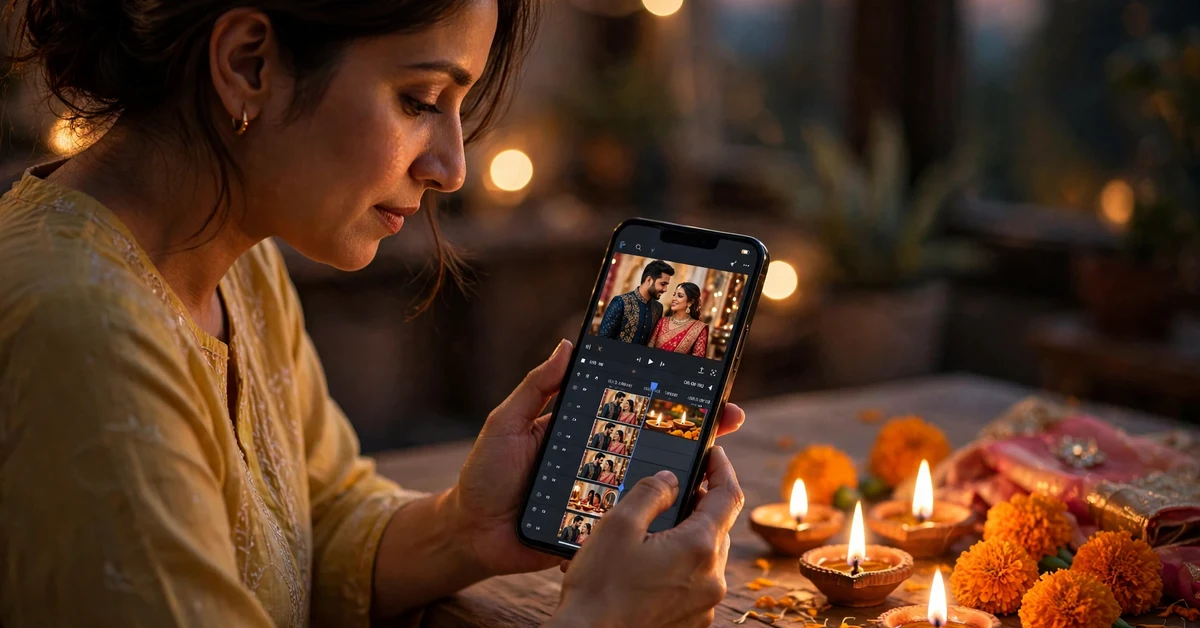
How to Edit a Karwa Chauth Reel Step by Step
Follow this order for any idea above. Skipping the selection step is the most common reason festival reels feel messy.
Step 1: Choose Your Best 8 to 12 Clips
Open your camera roll and star only the sharp, well-lit clips. Delete duplicates and shaky takes before you open the editor. A 30-second reel needs only 8 to 12 short clips, and starting with fewer, better clips saves more time than any editing trick.
Step 2: Arrange Clips in Story Order
Place clips in the order the evening happened: morning preparation, dressing, thali, waiting, moonrise, and fast-breaking. Viewers follow a story far more easily than a random montage, even when the clips themselves are beautiful.
Step 3: Trim Every Clip to 1 to 3 Seconds
Cut the dull start and end of each clip. Most festival reels drag because clips run long, not because the footage is bad. Keep the single best second of each shot, and let only the moonrise and fast-breaking moments run longer.
Step 4: Cut on the Beat
Pick a song, listen for its beats, and place each cut exactly on a beat. Most editors show a waveform; use it. Beat-matched cuts make even simple footage feel professional, while off-beat cuts make polished footage feel amateur.
Step 5: Add Text, Then Export
Add short text only where it helps: a date, a step label, or a caption at the end. Check spelling twice, especially for festival words. Export at 1080p, 30fps, and watch the full reel once before posting.
Best Settings and Export Tips
Use 9:16 vertical video for Instagram Reels and WhatsApp status, since that is how most people watch festival content. Keep the frame rate at 30fps unless you shot slow motion, and export at 1080p; higher resolutions make the file large without visible improvement on a phone screen.
- Resolution: 1080 x 1920 vertical, the standard for Reels and status.
- Frame rate: 30fps for normal clips, 60fps only if you plan slow motion.
- Length: 15 to 45 seconds holds attention best; cut ruthlessly to reach it.
- Music: use the music library inside Instagram or your editor to avoid copyright mutes.
- Text: keep on-screen text in the safe middle area, away from the top and bottom bars.
- Captions: write a short caption with the festival date and a personal line, not a wall of hashtags.
Common Mistakes to Avoid
- Too many effects: a transition on every cut looks restless. Use one transition style for the whole reel.
- Shaky footage: hold the phone with both hands or rest it on a railing. No filter fixes shake.
- Wrong ritual details: the wife views the moon through the sieve first, then breaks the fast. Keep that order in story reels.
- Dark clips: film faces near diyas or a lamp. A dark face with a bright background never recovers in editing.
- Overlong reels: if a clip does not add story or beauty, cut it, however much you like it.
- Unreadable text: white text on a bright sky disappears. Add a subtle shadow or place text over darker areas.
Troubleshooting: When the Reel Looks Wrong
The Music Gets Muted After Posting
Use music from the platform’s own library rather than a downloaded song. If a track is muted, swap it for a similar in-app track and repost; the edit itself stays untouched.
The Video Looks Blurry After Upload
Export at 1080p and upload over Wi-Fi with the app’s high-quality upload setting turned on. If it still looks soft, your source clips were likely shot in low light, so refilm key shots near a light source.
The Cuts Feel Off-Beat
Turn on the waveform view, zoom into the timeline, and nudge each cut to the nearest beat spike. Even a half-second shift makes a visible difference.
The Colours Look Washed Out
Raise saturation slightly and warm the white balance a touch. One small adjustment is enough; heavy filters make red sarees turn orange and skin tones unnatural.
Frequently Asked Questions
When is Karwa Chauth in 2026?
Karwa Chauth 2026 falls on 29 October 2026. Shoot preparation clips like mehndi and thali decoration a day or two early, so the festival evening itself stays relaxed.
How long should a Karwa Chauth reel be?
Between 15 and 45 seconds works best. Shorter reels get watched to the end, and the platform shows them to more people. A 90-second montage rarely holds attention unless it tells a strong story.
Do I need a template to make a good festival reel?
No. The ideas in this guide use only your own clips, basic cuts, and beat matching. Templates can speed things up, but they also make many reels look identical, while your own footage stays unique.
Which app is best for editing Karwa Chauth reels?
CapCut and VN both handle vertical video, beat-matched cuts, slow motion, and text well. Choose the one you already know; learning a new app on festival day wastes the evening.
Can I use film songs in my reel?
Use the music library inside Instagram or your editor instead of uploading a downloaded song. In-app music is licensed for the platform, so your reel is far less likely to be muted.
What is the best time to post a Karwa Chauth reel?
Post preparation reels in the two days before the festival, and the moonrise reel the same evening or the next morning, while friends and family are still sharing festival posts.
Conclusion
A memorable Karwa Chauth reel is not about effects; it is about the right moments in the right order. Film the sargi, the mehndi, the thali, the wait, and the moonrise. Trim hard, cut on the beat, and let the fast-breaking moment speak for itself. Pick one idea from this guide for 29 October 2026, edit it calmly, and share a reel that feels like your festival, not a copy of someone else’s.
Related Guides
Continue your festival editing with these guides on Rajan Template: